You want to know what visitors are doing on your site.
Someone told you to try Hotjar. Someone else said Microsoft Clarity does the same thing for free. Now you're trying to figure out which one to install — or whether the difference even matters.
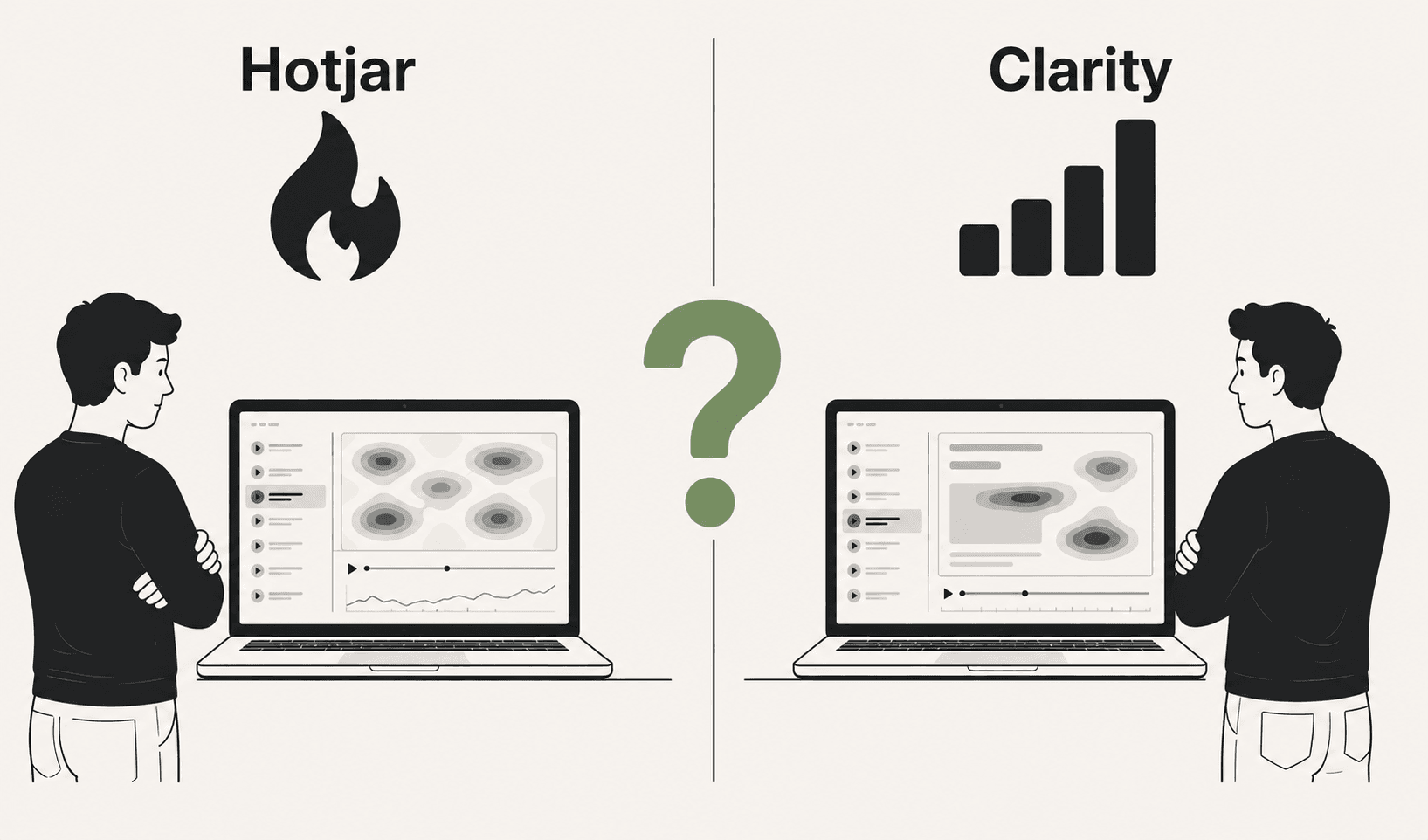
Here's the honest answer: they're more similar than different. Both show you heatmaps. Both record sessions. Both let you watch visitors move around your site. The real question isn't which one is better — it's whether either of them actually gives you what you need.
But we'll get to that. First, let's look at what each tool actually is.
What Hotjar is
Hotjar launched in 2014 and became the default recommendation for anyone who wanted to go beyond Google Analytics. Instead of just showing you page views and bounce rates, Hotjar lets you see behaviour — where people click, how far they scroll, and what their actual sessions look like.
The core features:
Heatmaps — aggregated click, move, and scroll maps that show where attention concentrates across hundreds of sessions. You can see which elements attract the most clicks, how far down the page most visitors scroll, and where people hover.
Session recordings — individual recordings of real visitor sessions. You watch the mouse move, see clicks, see scrolls, see form interactions. It's the closest thing to watching someone use your site over their shoulder.
Surveys and feedback widgets — Hotjar also lets you ask visitors questions directly. An on-page survey, a feedback button, a post-conversion poll. This qualitative layer is something Clarity doesn't have.
Funnels and form analytics — you can define conversion funnels and see where visitors drop off step by step, and see which form fields cause the most abandonment.
Hotjar is a paid tool with a free tier. The free plan gives you 35 daily sessions and basic heatmaps — enough to get a feel for the tool but not enough for any serious analysis. Paid plans start at around $39/month and scale based on session volume.
What Microsoft Clarity is
Microsoft Clarity launched in 2020 and immediately disrupted the market with one move: it made everything free. No session limits. No feature paywalls. Completely free, forever.
The core features:
Heatmaps — click, scroll, and area heatmaps very similar to Hotjar's. Clarity also adds dead click and rage click heatmaps by default, which Hotjar only surfaces through manual analysis.
Session recordings — unlimited recordings with no cap on session volume. You can record every single visitor on your site without worrying about hitting a limit.
Automatic insight detection — this is Clarity's most interesting feature. It automatically surfaces sessions with rage clicks, dead clicks, excessive scrolling, and quick backs (visitors who left almost immediately). Instead of watching random recordings, you can filter directly to the sessions where something went wrong.
Google Analytics integration — Clarity connects natively with GA4, so you can jump from an Analytics segment directly into the session recordings for those visitors.
Clarity has no surveys, no feedback widgets, no funnel builder, and no form analytics. It's purely a heatmap and session recording tool.
Side by side
| Hotjar | Microsoft Clarity | |
|---|---|---|
| Price | Free (limited) / from $39/month | Completely free |
| Session recordings | Limited on free plan | Unlimited |
| Heatmaps | Click, scroll, move | Click, scroll, area |
| Rage click detection | Manual filtering | Automatic |
| Dead click detection | Manual filtering | Automatic |
| Surveys and feedback | Yes | No |
| Form analytics | Yes | No |
| Funnel analysis | Yes | No |
| GA4 integration | Yes | Native |
| Data retention | 365 days (paid) | 90 days |
| Session limit | Capped by plan | Unlimited |
Where Hotjar wins
Qualitative research. If you want to ask your visitors questions — run an exit survey, collect NPS scores, add a feedback button — Hotjar is the only option of the two. Clarity has no survey or feedback functionality at all.
Form analytics. Hotjar shows you field-by-field form abandonment data. You can see exactly which field causes the most drop-offs, how long people spend on each field, and which fields get corrected most often. If form conversion is a key metric for you, this is genuinely useful and Clarity doesn't have it.
Longer data retention. Hotjar keeps data for up to 365 days on paid plans. Clarity only keeps 90 days of recordings. If you need to go back further than three months, Clarity won't have it.
Cleaner interface. This is subjective, but Hotjar's UI is generally considered more polished and easier to navigate, especially for non-technical users.
Where Clarity wins
Price. This is the obvious one. Clarity is completely free with no meaningful limitations. For a small business or indie founder, paying $39–$99/month for Hotjar when Clarity does 80% of the same things for nothing is hard to justify.
Unlimited recordings. Hotjar's free plan caps you at 35 daily sessions. If you have any meaningful traffic, you're missing the majority of your visitors. Clarity records everyone, always, regardless of traffic volume.
Automatic frustration detection. Clarity's automatic flagging of rage click sessions, dead click sessions, and quick backs is genuinely useful. Instead of scrolling through hundreds of random recordings hoping to find something interesting, Clarity surfaces the sessions where something clearly went wrong. This is a real time-saver.
Microsoft ecosystem. If you're already using GA4 heavily, Clarity's native integration is seamless. You can go from an Analytics segment to the session recordings for those specific visitors in a few clicks.
Where both fall short
Here's the thing nobody tells you when you're comparing these two tools.
They both show you the same thing: what happened.
You can watch a session recording of someone who didn't convert. You can see them click around, scroll up and down, hover over your CTA, and then close the tab. You've watched the whole thing. You still don't know why they left.
You can look at a heatmap and see that your CTA has a big red hotspot. Lots of clicks. And yet your conversion rate is 1.2%. The heatmap told you people are clicking. It didn't tell you why those clicks aren't turning into conversions — maybe it's a dead click, maybe the page after the CTA is broken on mobile, maybe the button is being rage clicked in frustration. The heatmap looks the same either way.
This is the fundamental limitation of both Hotjar and Clarity. They give you footage. They don't give you a verdict.
After using either tool, you still have to do the hardest part yourself: watch hours of recordings, look for patterns, form hypotheses, figure out what to fix, and decide what to test. For a solo founder or a small marketing team, that's often a full-time job on top of the actual job.
What's missing from both tools is the answer.
Not the data — both tools have plenty of data. The answer. The plain-English finding that says: "This specific thing is broken, it's costing you approximately this much, and here's what to fix."
That's what Wahilens does differently. Instead of showing you recordings to interpret, it watches every session automatically all week and tells you what it found — ranked by revenue impact, in plain English, delivered to your inbox on Monday morning. "8 of 10 visitors who reached your pricing page left within 12 seconds. Dead clicks on your CTA suggest it's unresponsive on mobile. Estimated impact: ~$1,400/month."
No dashboard to check. No recordings to watch. No hypotheses to form. Just the finding and the fix.
Which one should you choose?
Choose Hotjar if:
- You need surveys or feedback widgets alongside your behavioural data
- You need form field-level abandonment analytics
- You need more than 90 days of data retention
- You're at a company with a budget and want a more polished, full-featured tool
Choose Microsoft Clarity if:
- You want heatmaps and session recordings for free, with no compromises on session volume
- You're a small business, indie founder, or solo marketer watching costs
- You're already using GA4 and want native integration
- You want automatic rage click and dead click detection without manual filtering
Choose neither if:
- You don't have time to watch session recordings and interpret heatmaps yourself
- You want to know what's wrong with your site, not just what happened on it
- You want findings ranked by revenue impact delivered to your inbox automatically
- You want the fix suggested alongside the problem, not just the data
For most small businesses and indie founders, the honest answer is: start with Clarity because it's free and unlimited, and see how often you actually open it. If you find yourself regularly watching recordings and finding actionable insights — great, maybe upgrade to Hotjar for the surveys and form analytics. If you find it sitting unused because interpreting the data takes more time than you have, that's a sign you need a different kind of tool entirely.
The best analytics tool isn't the one with the most features. It's the one you'll actually use to make decisions.
See it in action
Know exactly where your visitors drop off.
One script tag. No credit card. Your first report in under a week.
Start free trial